


Search the site

Keyword Targeting on X (Twitter): How Does It Actually Work in 2026?
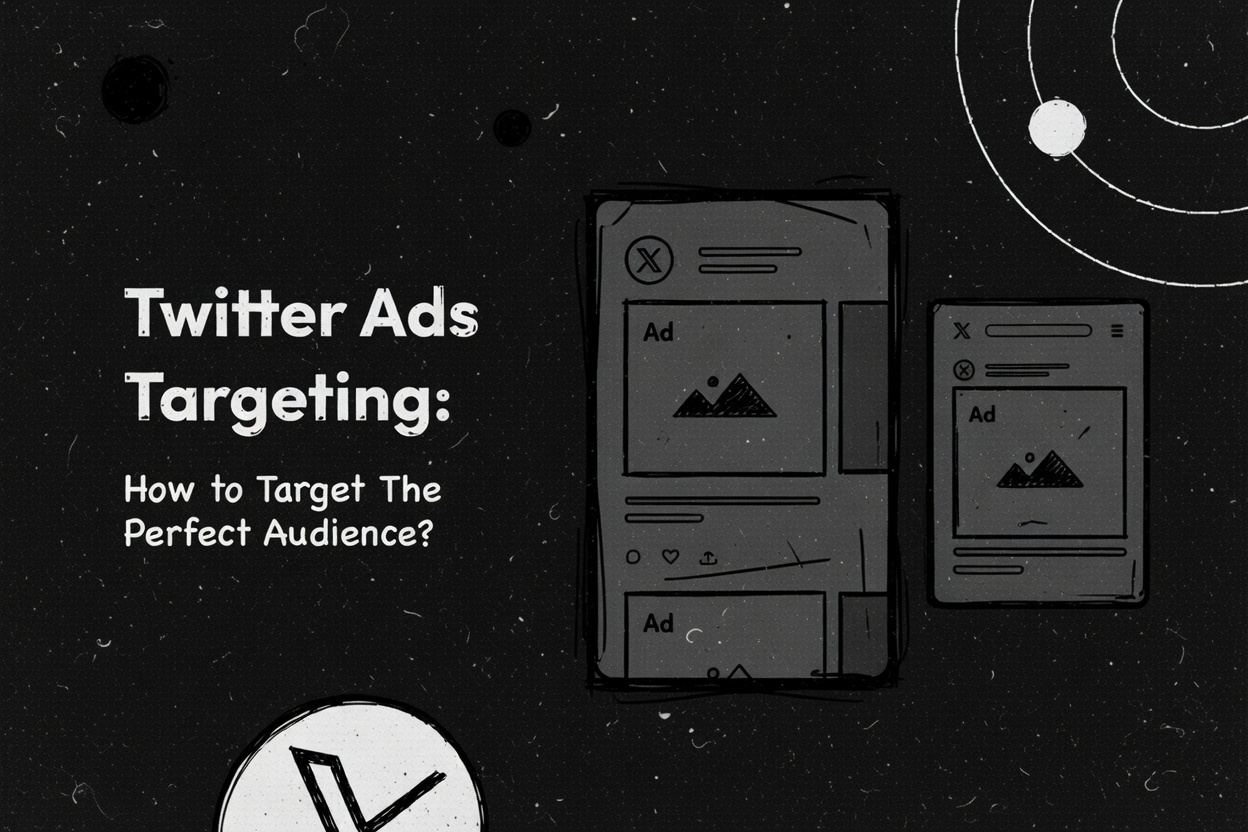
If you typed "keyword targeting on Twitter" into Google and landed here, you are already doing the thing this article is about. Someone searched for something specific, and the content showed up. That is keyword targeting. Now let us talk about how to do it inside X (formerly Twitter), where the ad platform has evolved significantly since this post was first written in 2023.
Search Keyword Ads were a beta test back then. They are not a beta test anymore. They are a full-blown ad product and one of the more underrated tools in a social media marketer's arsenal. Here is everything you need to know to use them well.
First, the Two Types of Keyword Targeting on X
X has two different things that both go by the name "keyword targeting," and confusing them will cost you money.
Type 1: Audience keyword targeting. This is the older feature. It targets users based on keywords in their past posts, posts they engaged with, or their general behavior on the platform. Think of it as interest targeting with words. If someone tweeted about marathon training last month, they are now reachable by anyone bidding on the keyword "running shoes."
Type 2: Search Keyword Ads. This targets users in real time, specifically when they are actively searching for a keyword or scrolling through conversations that contain it. The difference is intent. Type 1 is behavioral. Type 2 is contextual and immediate.
Most X advertisers use Type 1 without realizing Type 2 exists. That is a missed opportunity.
| Audience Keyword Targeting | Search Keyword Ads | |
|---|---|---|
| Type | Legacy | Newer |
| How it works | Targets users based on past posts and engagements | Targets users actively searching or in live conversations |
| Intent signal | Behavioral (historical) | Contextual (real-time) |
| Best for | Brand awareness, top-of-funnel | High-intent, conversion campaigns |
| Negative keywords | Supported | Supported (also blocks search placement) |
| Requires Pixel/CAPI | Recommended | Required for conversion tracking |
How Search Keyword Ads Work
When a user opens X and types something into the search bar, they get results. Those results now include paid ad placements from advertisers who bid on that keyword. If you sell project management software and someone searches "best productivity tools," your promoted post can appear right there, above the organic results.
X's official keyword targeting documentation explains that the platform also extends this to contextually relevant conversations, not just direct searches. Your ad does not only show up in search results. It can surface alongside posts that are actively discussing your keyword in real time.
This is different from how Google Search ads work, where you are purely matching queries. On X, you are also matching conversations. Someone does not have to search for "running shoes" to see your ad. If they are actively scrolling through a thread about marathon prep, they are fair game.
The Technical Setup You Actually Need
X Pixel. This is the tracking code that goes on your website. Without it, X cannot attribute conversions to your campaigns. X's Pixel setup guide walks through the installation. It is not complicated, but it is not optional if you want to know whether your ads are working.
Conversions API (CAPI). This is the server-side alternative that catches conversions your Pixel misses due to browser privacy restrictions, ad blockers, or iOS tracking limitations. Using both together gives you the most complete picture of what is converting. If you are running campaigns without either installed, you are driving blind.
Building a Keyword Campaign on X
Step 1: Choose your objective. X offers a dedicated "Keywords" objective in Simple mode. In Advanced mode, you can layer keyword targeting onto any campaign objective including website traffic, video views, or conversions.
Step 2: Build your keyword list. X recommends at least 25 keywords per campaign and allows up to 750 per ad group. Start with 25 to 50 tightly themed keywords and expand based on performance data.
Step 3: Add negative keywords. This is where most advertisers leave money on the table. Excluded keywords prevent your campaign from serving to users who engaged with those terms and block your ads from appearing in search results for those words. Most advertisers add five negatives. The ones with great ROAS add fifty.
Step 4: Layer additional targeting. Keyword targeting alone is broad. Stack it with demographic filters and you get precision. X's full targeting options include conversation targeting, interest targeting, follower look-alikes, and tailored audiences.
The Bidding System
X uses an auction model. The highest bid does not always win — relevance plays a role — but budget matters. Three bid types to know:
Autobid. X automatically sets bids to maximize results within your daily budget. Best for new advertisers or campaigns without enough historical data to set manual bids confidently.
Maximum bid. You set the ceiling. Gives you cost control at the expense of some delivery volume.
Target bid. You set an average you want to hit and X optimizes around that target. Good for campaigns with established performance baselines.
For keyword campaigns specifically, autobid is the right starting point. Let it run for a few weeks, look at your actual CPC and conversion data, then decide if manual bidding makes sense.
Follower Targeting on Top
Follower targeting lets you reach users who behave similarly to the followers of accounts you specify. X's follower targeting documentation covers the mechanics, but the key insight is this: target smaller niche accounts, not just the giant brands. The followers of a 50,000-follower ultramarathon account are often more commercially valuable than the followers of a 10-million-follower celebrity athlete.
Use follower targeting to build your base audience, then layer keyword targeting on top to catch people when they are actively in the right mindset.
X vs. Google Search: What Is Actually Different
Google Search targets people who typed something into a search bar. The intent signal is explicit and strong. X keyword targeting catches people in a conversation or at the moment of a search, but the platform is social first. Users are there to talk and scroll, not primarily to research purchases.
That means your ads need to feel native to a scrolling experience. Short copy, strong visuals, a hook in the first line, a clear call to action. Because commercial intent on X is less established than on Google, competition is lower and CPCs are cheaper. You are paying less per click to reach people who are often in an early-stage discovery mindset. For brand awareness and top-of-funnel campaigns, that is ideal.
Who Should Actually Be Running These Ads
X keyword targeting makes the most sense for brands in fast-moving industries where conversations spike around events, B2B companies targeting professionals active on X, DTC brands that can match ads to seasonal or trending conversations, and any advertiser already running Google Search ads who wants to extend reach at lower CPCs.
It makes less sense for local service businesses whose audiences are not concentrated on X, brands targeting demographics that skew toward Instagram or TikTok, and advertisers with very small budgets who need to concentrate spend on one channel first.
If you are already running paid social on Meta and have not tested X keyword targeting, you probably should. The cost of entry is low and the audience overlap with Meta is smaller than you might expect.
Start with 25 to 50 tightly themed keywords around your highest-intent audience. Install the Pixel and connect CAPI before you spend a dollar. Set autobid initially. And write ad copy that sounds like a tweet, not a banner ad. The targeting gets you in front of the right people. The creative decides what they do next.
Joey Rahimi is the founder of Aiken House, a Pittsburgh-based content marketing and AEO agency. He has 20+ years of experience scaling brands through paid media, content, and growth strategy.
Related ...

You Can Still Game AI Visibility. You Just Cannot Keep the Winnings

10 Best AI Workflow Automation & AI Deployment Consulting Companies in 2026


Best AI Consulting Firms That Go Beyond Strategy Decks

Best AI Tools for Ecommerce in 2026: The Honest Stack That Actually Moves Revenue
Subscribe to our insights
Build your beautiful Brand.


